Feature
Auto Layout

Generate repeated print layouts automatically from a single design.
A premium print-sheet layout generator for AJartivo. Build clean visiting cards, ID cards, certificates, invitations, stickers, labels, flyers, and custom sheets with a professional dark glass workspace.
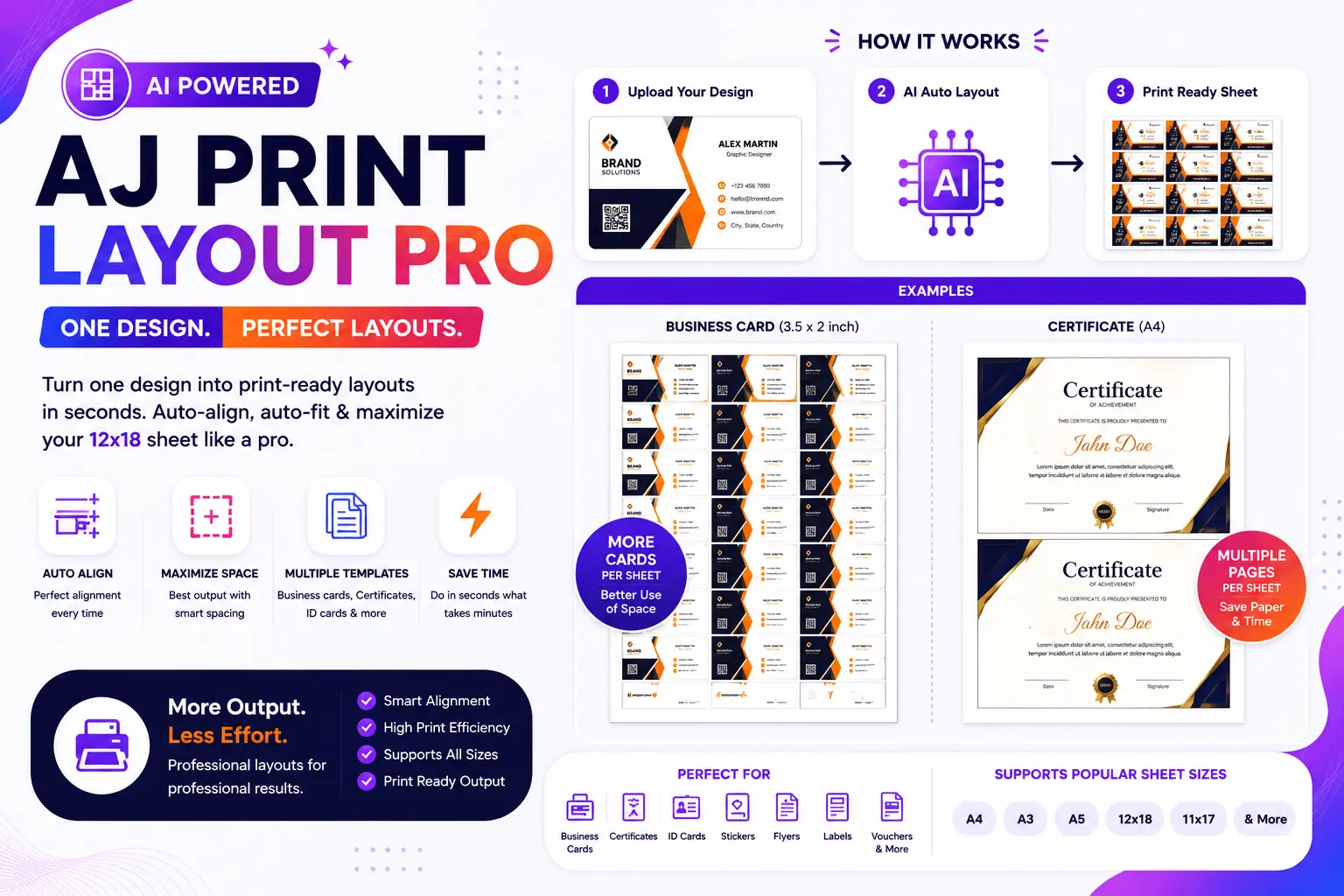
Each card uses SVG icons only, smooth hover motion, and a direct action into the matching layout setup.
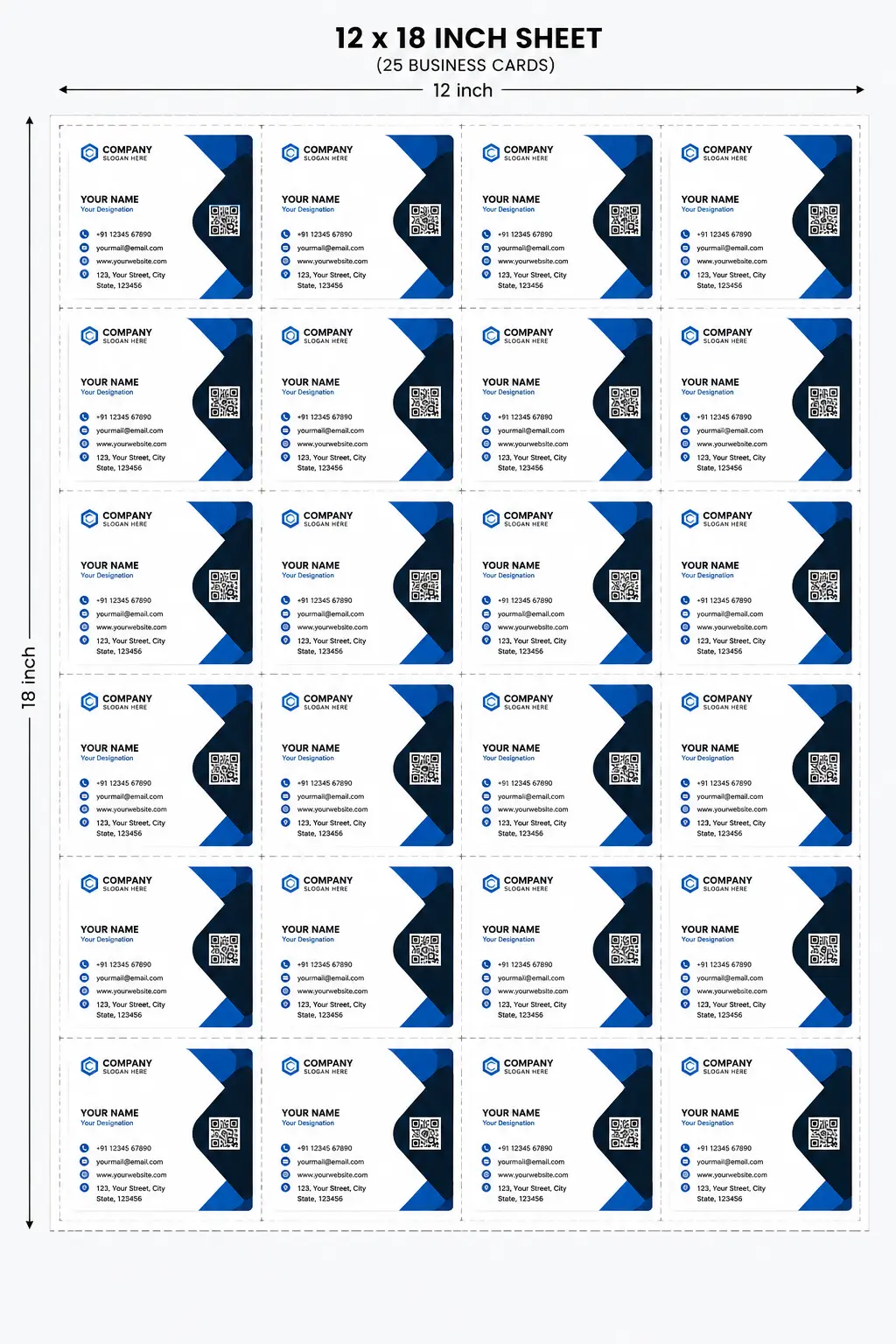
25-up visiting card sheets with crop marks, bleed, and clean spacing.
Compact id card layouts with portrait or landscape handling.
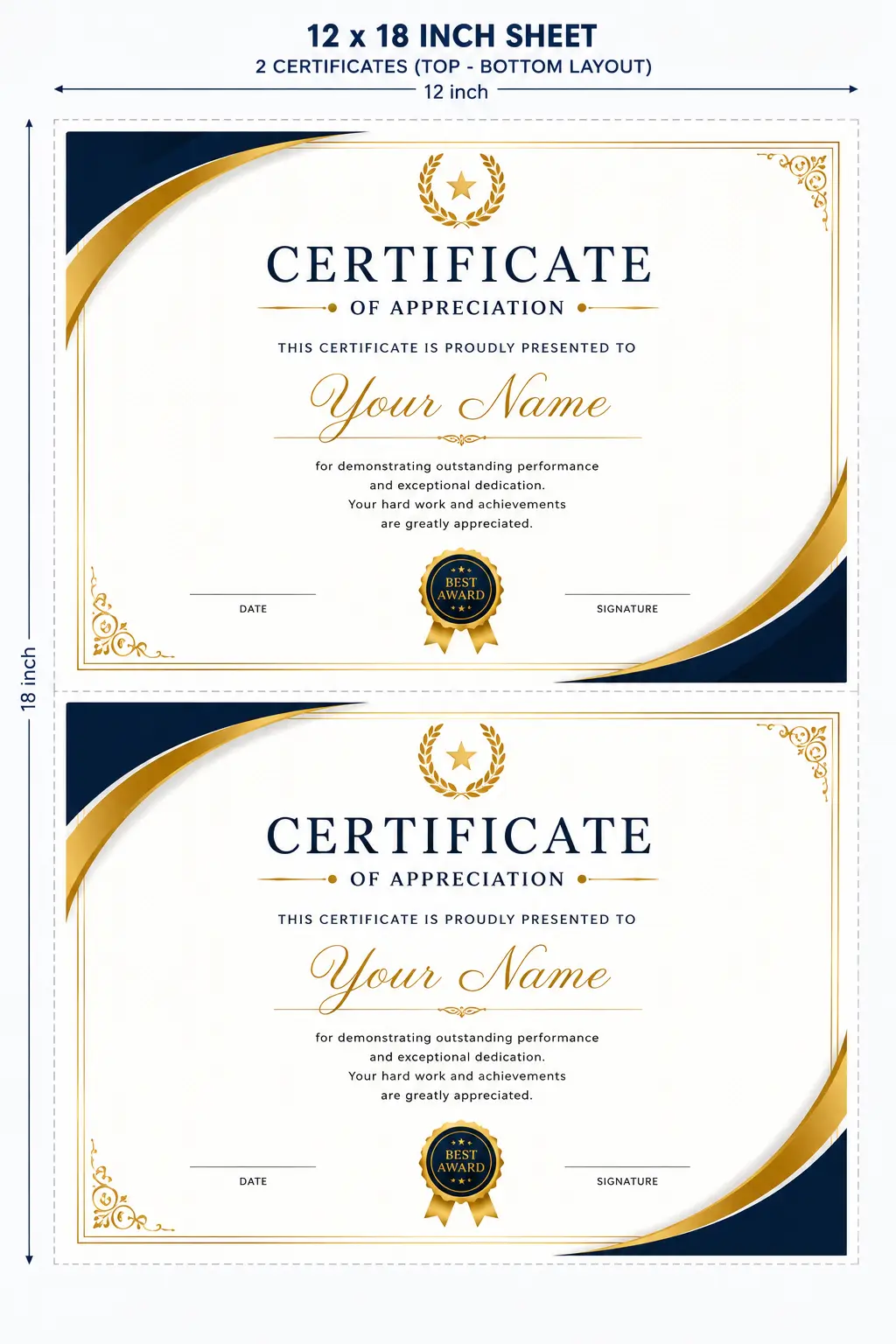
Two-up certificate layouts with centered spacing and premium balance.
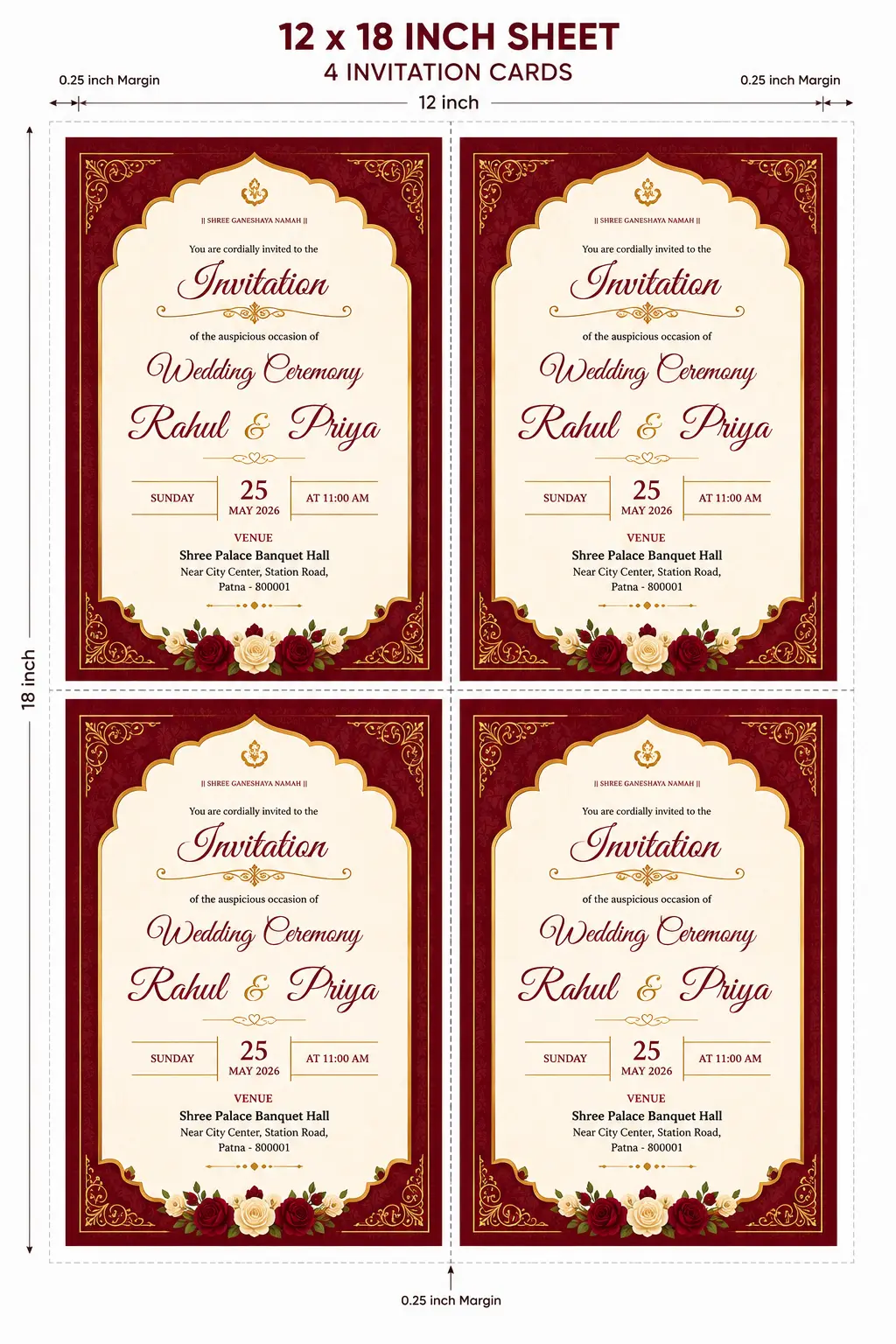
Small invitation mode with smart space fill for the open bottom area.
Dense sticker sheets that stay crisp during export.
Label grids that keep alignment clean and production-friendly.
Flyer arrangements for larger artwork and simple imposition.
Custom sheet dimensions and flexible repeat settings.
From crop marks to smart sheet optimization, the page keeps the workflow practical and production-friendly.
Generate repeated print layouts automatically from a single design.
Use leftover invitation space for extra cards, labels, or mini tags.
Keep front and back side previews easy to manage.
Export high quality output without leaving the browser.
Adjust margins for a cleaner print boundary.
Add precise cut marks for finishing work.
Upload JPG, PNG, WEBP, or PDF files quickly.
See each change update the preview in real time.
Keep the sheet efficient while staying print ready.
Static demo compositions show the kind of clean repeat structure the generator creates for different jobs.
Best for repeat visiting cards with strong spacing and fast sheet fill.
Large artwork stays centered and print-ready with clear margins.
The lower blank strip can be reused for visiting cards, labels, or mini tags.
Keep the workflow simple and predictable. The interface is built to feel like professional print software, not a toy editor.
Drop or browse JPG, PNG, WEBP, or PDF files and load the current face instantly.
Switch between visiting card, certificate, invitation, labels, flyer, and custom sheet modes.
Control margins, spacing, bleed, crop marks, zoom, and smart space fill options.
Download clean output that is ready for client delivery or print production.